EhViewer: Best Manga
Comic Viewer App.
Your next favorite manga adventure starts here. The official EhViewer app packs a huge catalog, offline downloads, zoom-perfect reading, and custom themes into one free, open-source app. Warning: may cause accidental all-night reading sessions.

.webp)


2M+ readers reading with EhViewer worldwide
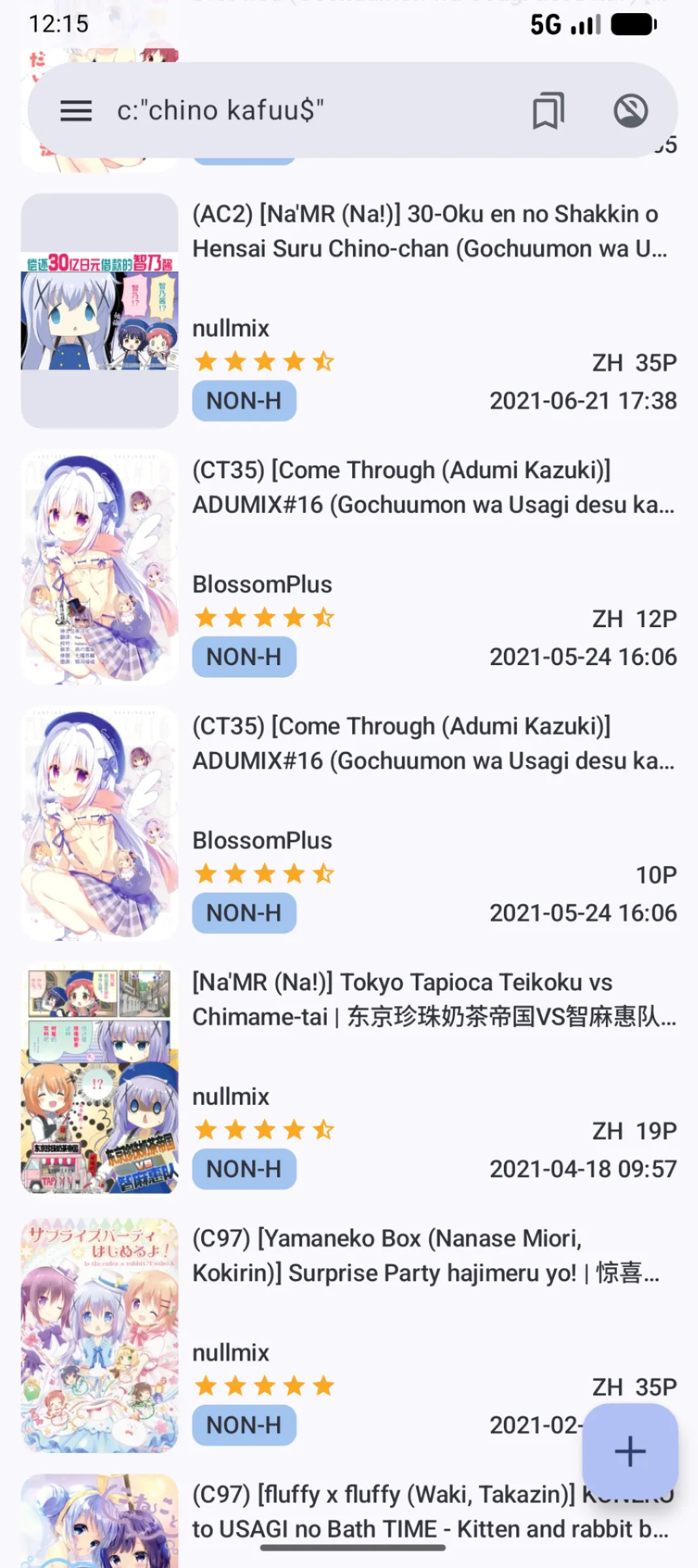
Why readers love EhViewer
Think of EhViewer — the best manga comic viewer app — as your personal manga command center, built for comfort, speed, and privacy, and powered by the open-source community.
Browse a vast library of manga spanning every genre — from the newest releases to timeless classics.
Save comics to your device and read anywhere — no internet required. Pick your folder, choose image quality.
Pinch to zoom on small text or detailed panels — no more eye strain on tiny fonts.
One tap on the heart icon adds any manga to your favorites — organize them into folders your way.
Light, dark, and beyond. Tweak themes, display, and reader settings to match your taste.
No accounts, no personal info, no tracking. Browse and read with peace of mind.
The official EhViewer app is completely free, GPL-licensed, and ad-free. Built by the community, for the community — no subscriptions, no paywalls, ever.
Pull content from many sources in one place — switch galleries without juggling apps.
How to Install
Install EhViewer and reach your first chapter in under a minute
Download the APK
Tap the download button to grab the latest EhViewer APK directly to your Android device.
Allow Unknown Sources
In Settings → Security, enable "Install from unknown sources" so Android can install the APK.
Install & Launch
Open the downloaded APK, tap Install, then launch EhViewer from your app drawer.
Search, Save, Read
Search by title, tag, artist, or year. Save favorites with one tap and start reading instantly.

Reviews
Why fans stick with EhViewer
"The catalog is massive. Whatever manga I search for, EhViewer has it. Never had to leave the app."- Kenji, Daily Reader
"Offline downloads saved my commute. I queue up chapters at home and read on the train, no signal needed."- Aisha, Commuter

"No account, no tracking, no ads. Finally a reader that respects my privacy. This is how it should be."- Marco, Privacy Nerd

"Pinch-to-zoom on detailed panels is buttery smooth. Reading on my phone never strained my eyes like this."- Lena, Art Lover

"Custom themes are everything. Dark mode at night, sepia for long sessions. EhViewer just gets it."- Hiro, Night Owl
"One tap to favorite, folders to organize. My 200-title backlog has never been this tidy."- Sofia, Collector

"It's free and open source. I checked the code myself. No shady business, just a great reader."- Dev, Tinkerer
.webp)
"Switched from three different apps to just EhViewer. Multiple sources in one place is a game changer."- Priya, Power User

"Search by tag, artist, or year actually works. I find exactly what I want in seconds."- Tomoko, Hardcore Fan

"Lightweight, fast, and ad-free. Installed the APK in a minute and never looked back."- Carlos, Android User
"The reading tools — page jump, reading direction, brightness — make long sessions effortless."- Yuna, Binge Reader

"Best manga reader I've used, hands down. Clean UI, no clutter, just the content."- Raj, Manga Veteran
Get the Official App
Download EhViewer APK
Every great manga journey begins with a single chapter. The official EhViewer app is a free, open-source manga comic viewer with Material Design 3 and Dynamic Color — no signup, no ads, no tracking. Install in under a minute.

FAQ
Frequently asked questions
Quick answers to common questions about EhViewer.
EhViewer includes a powerful search engine that goes well beyond a basic keyword box. You can enter titles, enter partial titles, and combine multiple filters in a single query. Category filters let you narrow results to specific genres such as doujinshi, manga, artist CG, or western. Tag-based search is particularly precise — tap any tag on a gallery detail page to launch an instant filtered search for that tag. You can also search by artist name, group, parody, or character, and sort results by rating, date, or page count. Saved searches and a browsing history make it easy to return to previous queries. The search syntax supports negation (prefix a term with a minus sign to exclude it), so you can build highly specific queries without scrolling through irrelevant results.
No — the official EhViewer app is not available on the Google Play Store, and that is intentional. EhViewer is a free, open-source application distributed directly to users so that no platform can restrict or remove it based on content policies. To install it, you download the official APK file directly from this website, enable "Install from unknown sources" in your Android settings (Settings → Security → Unknown sources or Settings → Apps → Special app access on newer Android versions), and then tap the downloaded file to install. The process takes under two minutes. Once installed, EhViewer updates are announced on GitHub Releases, so you can always check there for the latest version.
Yes — EhViewer offers extensive customization so you can tailor every aspect of reading to your preferences. Themes include light, dark, and system-default modes, with Dynamic Color support on Android 12 and newer so the interface adapts to your wallpaper palette. Reading direction can be set to left-to-right, right-to-left, or vertical scroll to match the source material. Page scaling options include fit-to-width, fit-to-height, and original size, and pinch-to-zoom works smoothly across all modes. You can adjust display brightness independently of the system setting, enable a reading timer, configure auto-scroll speed, and set the app to keep the screen on during reading sessions. Download storage location and image resolution are also configurable.